
Appearance
Getting Started
Create your merchant account and start managing collections, payouts, and business transactions seamlessly with the Brij Business Portal.
The Brij Business Portal provides businesses with the tools to:
Send money to individuals and beneficiaries
Schedule and automate payments
Process bulk disbursements
Create invoices and payment links
Monitor wallet balances and transaction history
Manage customers
Whether you are handling single transfers or managing high-volume payouts, the Brij Business Portal gives you complete visibility and control.
Create and Verify Your Account
To begin using Brij:
Sign up for a merchant account.
Complete your business verification (Compliance/KYC).
Set up Two-Factor Authentication (2FA) for enhanced security.
Fund your wallet.
Once verified, you can access all payment and transaction features from your dashboard.
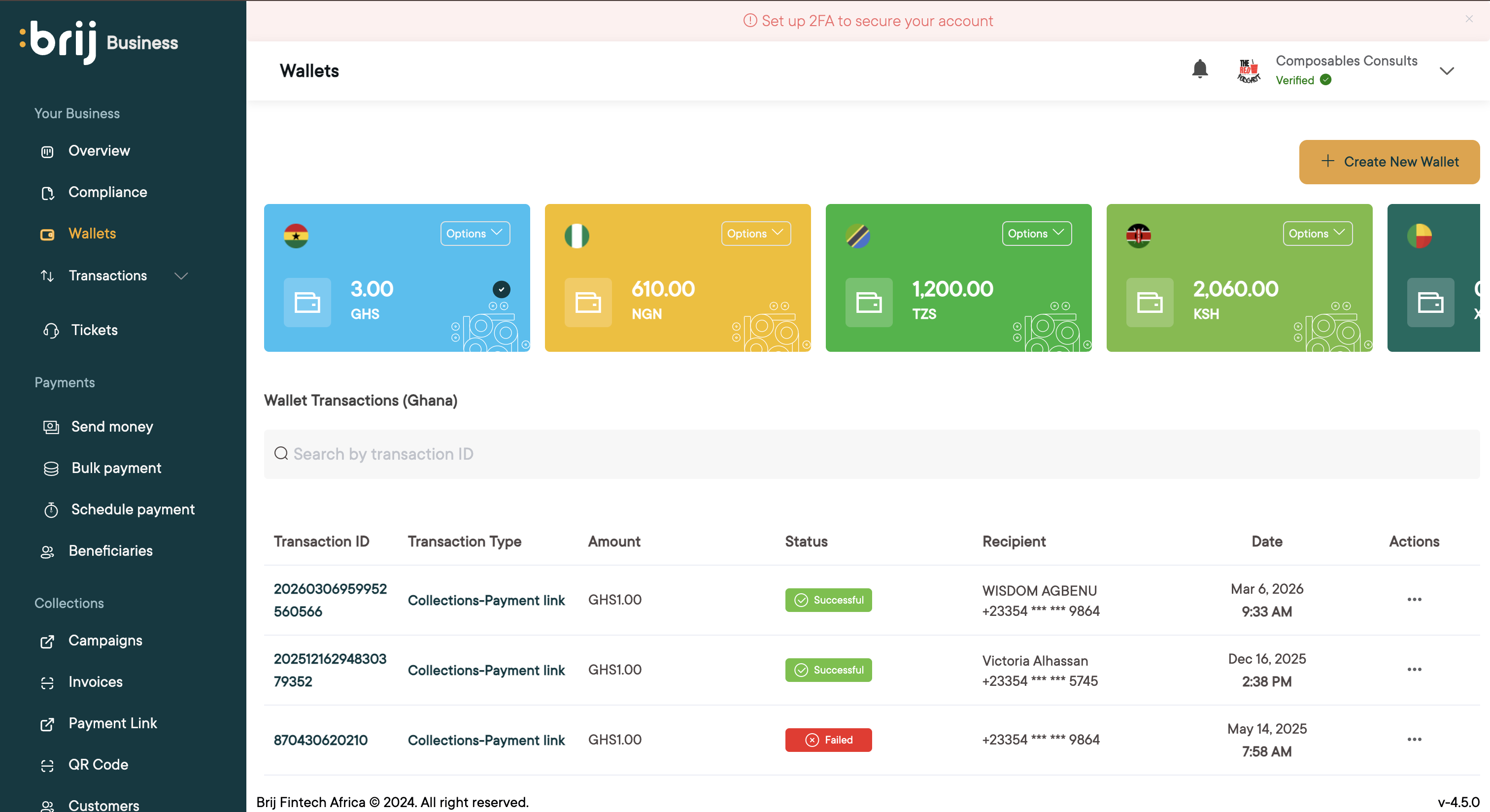
Wallet Balance
Displays your current available wallet balance in your selected currency (e.g., GHS).
Total Credits & Debits
Shows the cumulative amount received into and disbursed from your wallet.
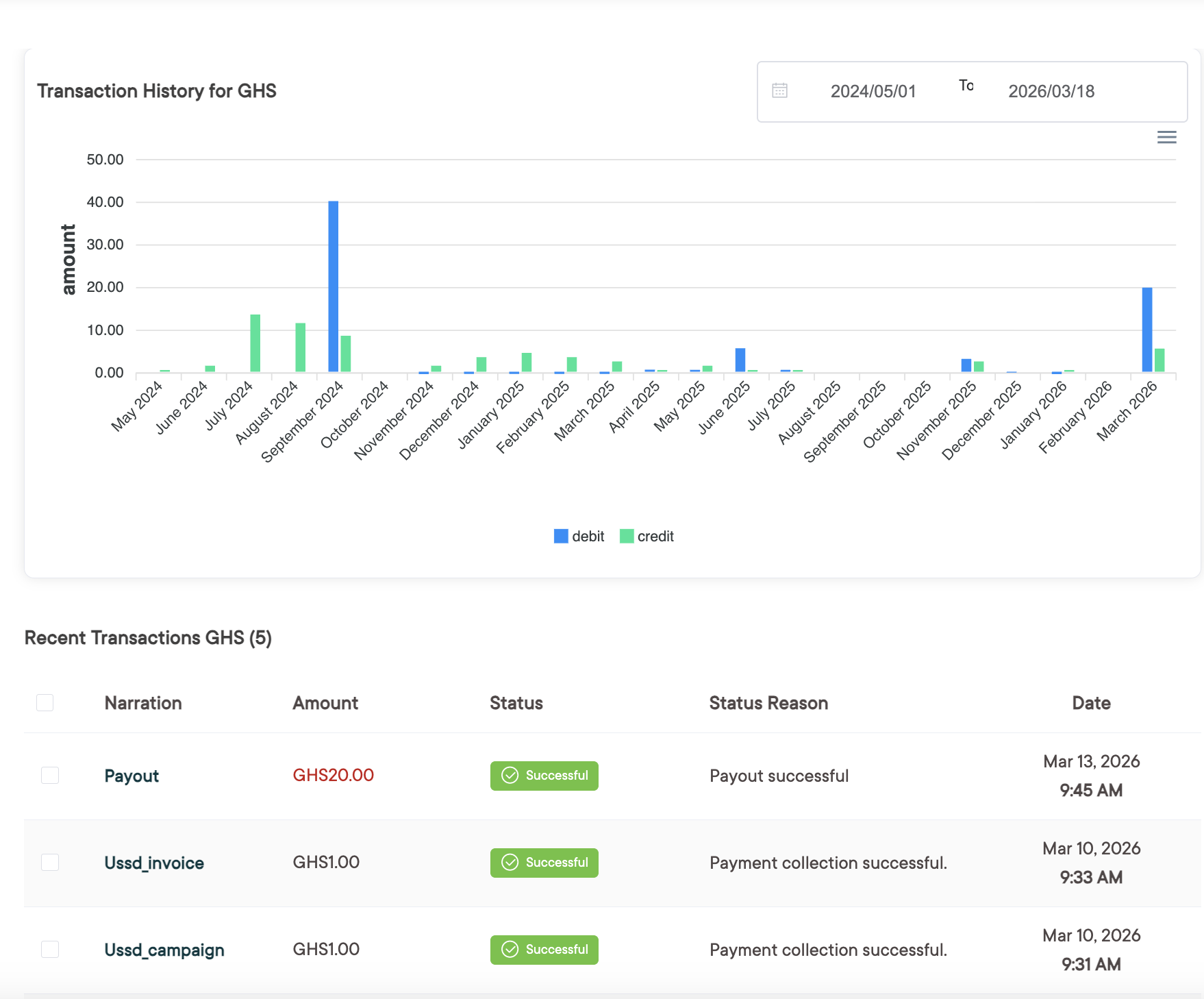
Transaction History
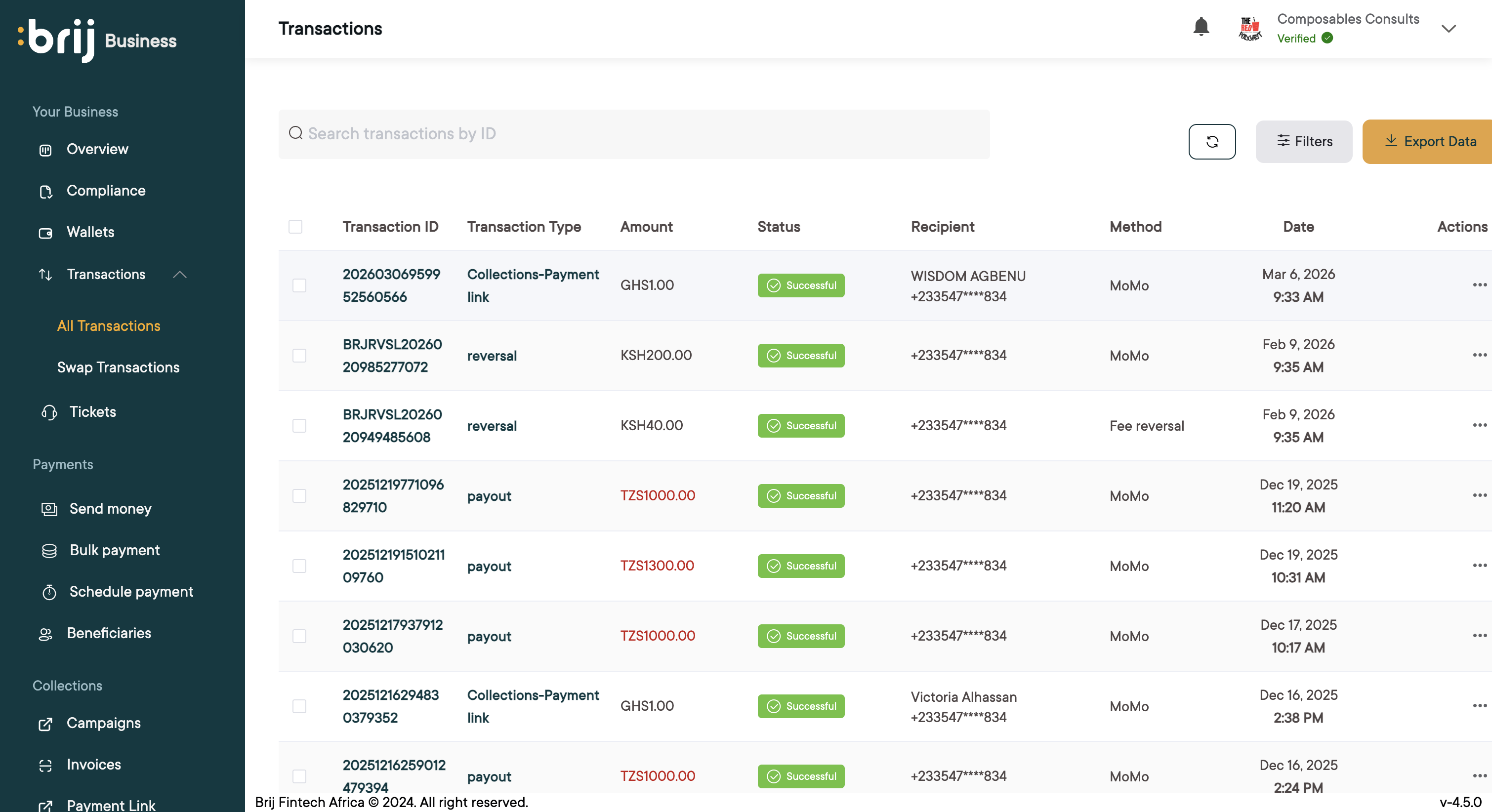
This section helps you monitor financial performance and transaction trends over time.